
CRM
This section explains how to send WhatsApp messages from the CRM module in Odoo.
Step 1: Open a CRM Lead
Go to .
Select an existing lead.
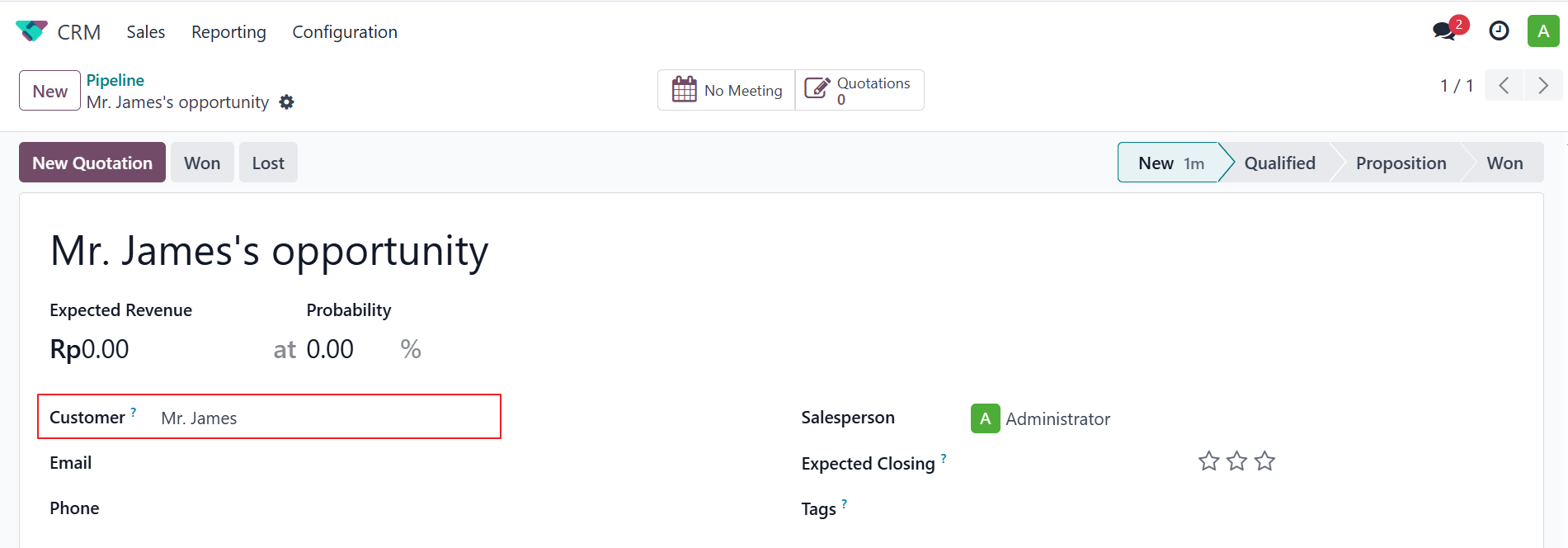
Step 2: Click the “Send WhatsApp” Button
On the bottom at chatter of the form, click the WhatsApp button.
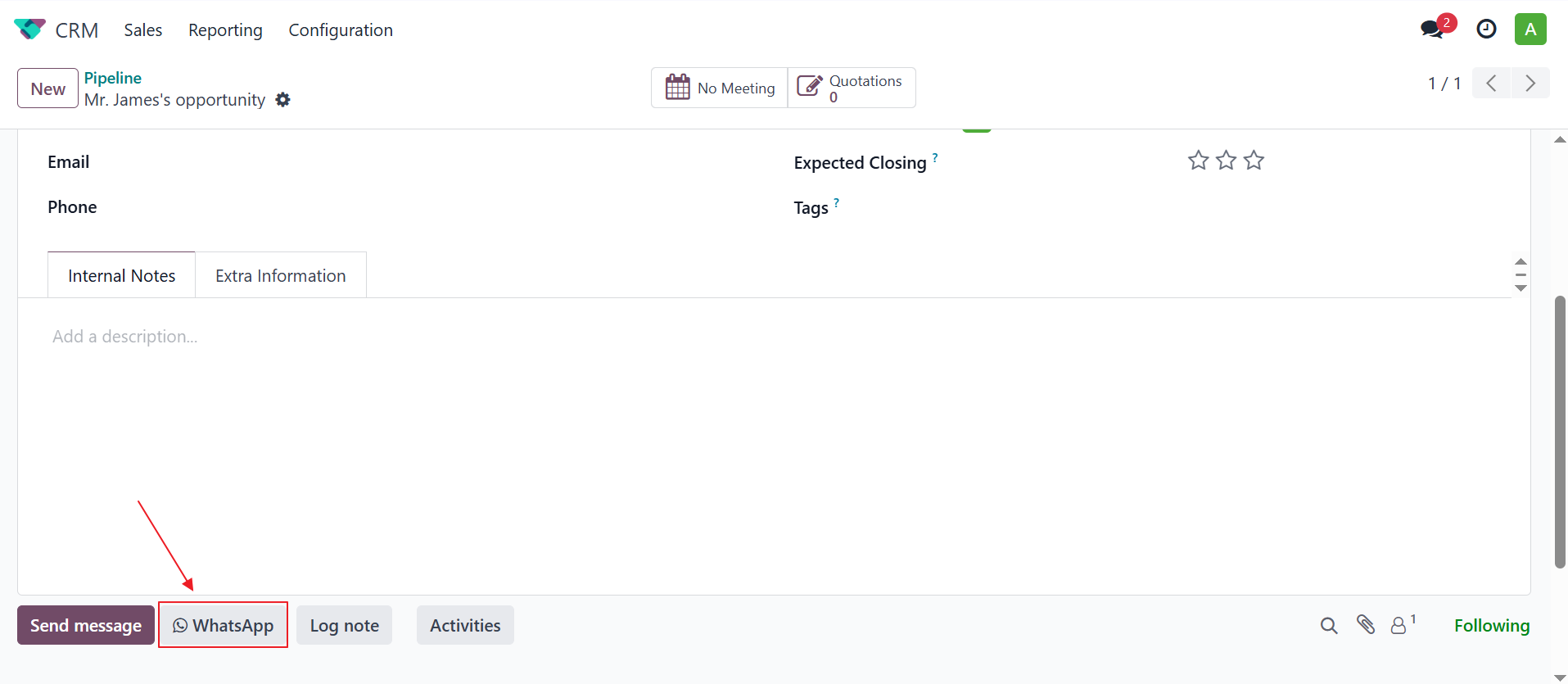
Step 3: Fill in Message Details
Choose a template or enter a custom message.
Preview the message before sending.
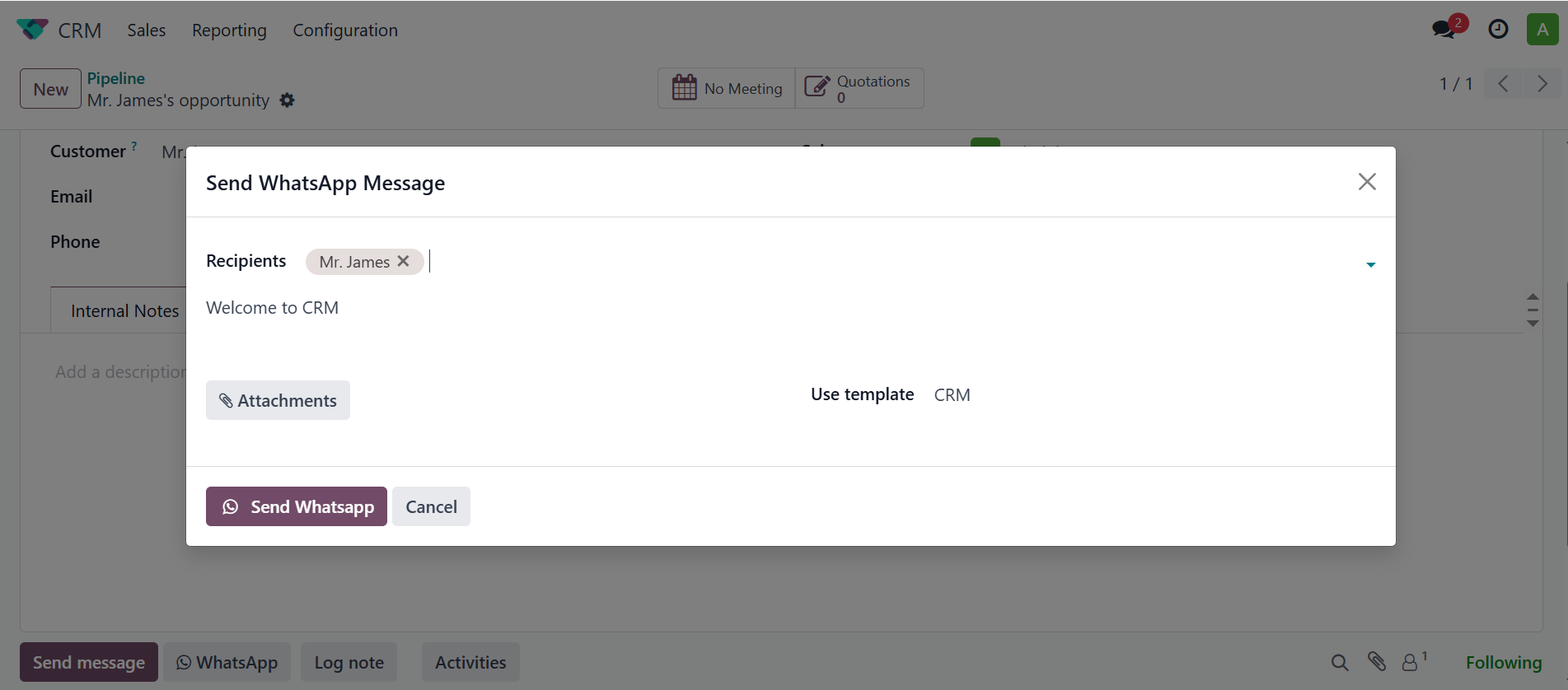
Step 4: Send the Message
Click the Send button to send the message via WhatsApp API.

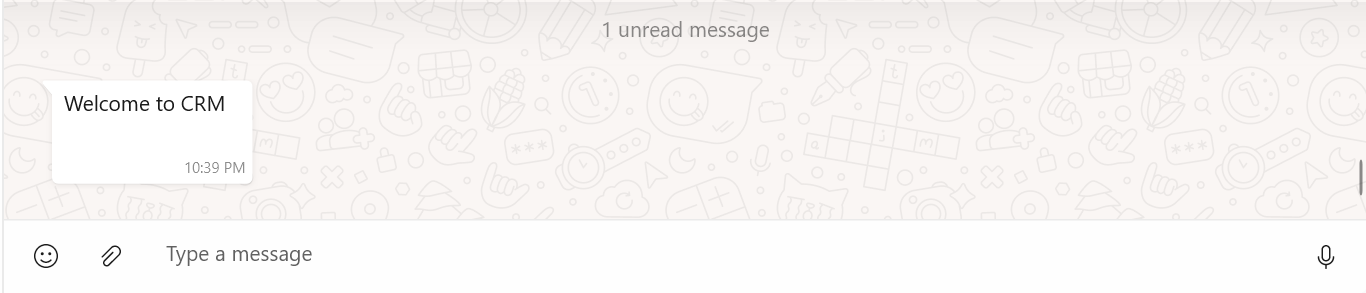
Step 5: Whatsapp Received
Wait for schedule queue message, then check your whatsapp message
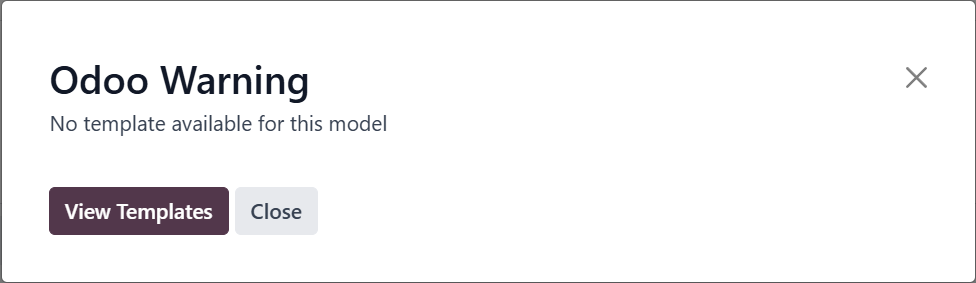
Important
All messages will send in queue by schedule every 5 minutes
You can see logs here Logs